
Save the big things on Wi-Fi
Download maps, playlists and tickets before you go. Review mobile backups, automatic updates and autoplay.
Read the data planning guideChoose a currency for your trip.
No currencies found. Try a name or currency code.
How much data will you need abroad? Build your daily mix, add your trip length and find a sensible starting point.
Estimate for one traveller. Count mobile data only; leave out anything you do on Wi-Fi.
Your trip estimate4.9 GBView breakdownFor each activity: daily minutes ÷ 60 × the hourly rate × trip days. We add your one-off trip extras, then apply the selected safety margin. For planning, 1 GB = 1,000 MB; package unit definitions may differ.
These are illustrative planning rates, not measurements of your phone or every app. Quality settings, caching, uploads, ads and background updates change actual use. Your recent mobile-data usage is a better starting point if it reflects how you will travel.
| Activity | Approximate data per hour |
|---|---|
| Maps & navigation | 50 MB/h |
| Browsing & email | 100 MB/h |
| Social & photo sharing | 300 MB/h |
| Music & podcasts | 72 MB/h |
| Video streaming | 300 MB saver / 700 MB standard / 3,000 MB HD |
| Video calls | 600 MB/h |
Examples of how settings affect usage: Netflix video data settings; Spotify audio quality. These sources inform the streaming examples only. Other activity rates are our planning assumptions; no app or network is being monitored.
Download maps, playlists and tickets before you go. Review mobile backups, automatic updates and autoplay.
Read the data planning guideOne country or several? Check every destination on a regional or global plan’s coverage list.
Explore regional eSIMsConfirm that your exact phone model supports eSIM and is carrier unlocked before purchasing.
Check device compatibilityIt depends on what you do away from Wi-Fi. Set 7 days, start with a daily preset and adjust the activities. Maps and messages usually need less than video or hotspot use. Check your phone’s recent mobile-data use as a reality check.
Wi-Fi use is excluded. A device connected to your phone’s hotspot does consume the phone’s mobile data. Include that device’s activities in the daily minutes, or add its expected data as a whole-trip extra, but do not count it twice. Hotspot must also be allowed by the selected plan.
The large estimate and planning target are totals for your whole trip, including extras and the safety margin. Daily activities shows one day before extras and the margin. A plan’s data allowance and validity are separate: 10 GB valid for 30 days does not mean 10 GB each day.
An unlimited plan can be useful for frequent streaming, but read its fair-use, speed and hotspot restrictions. The calculator estimates volume; it cannot guarantee a network speed or decide which current package has the best value.
Check actual usage after your first day and adjust your habits or plan. Some packages support top-ups, while others require another plan. Confirm top-up availability, expiry and activation rules before relying on it.
Choose your data allowance, compare destination coverage and get ready to connect.
Estimate your data needs for maps, messages, browsing and sharing your connection.
Read guide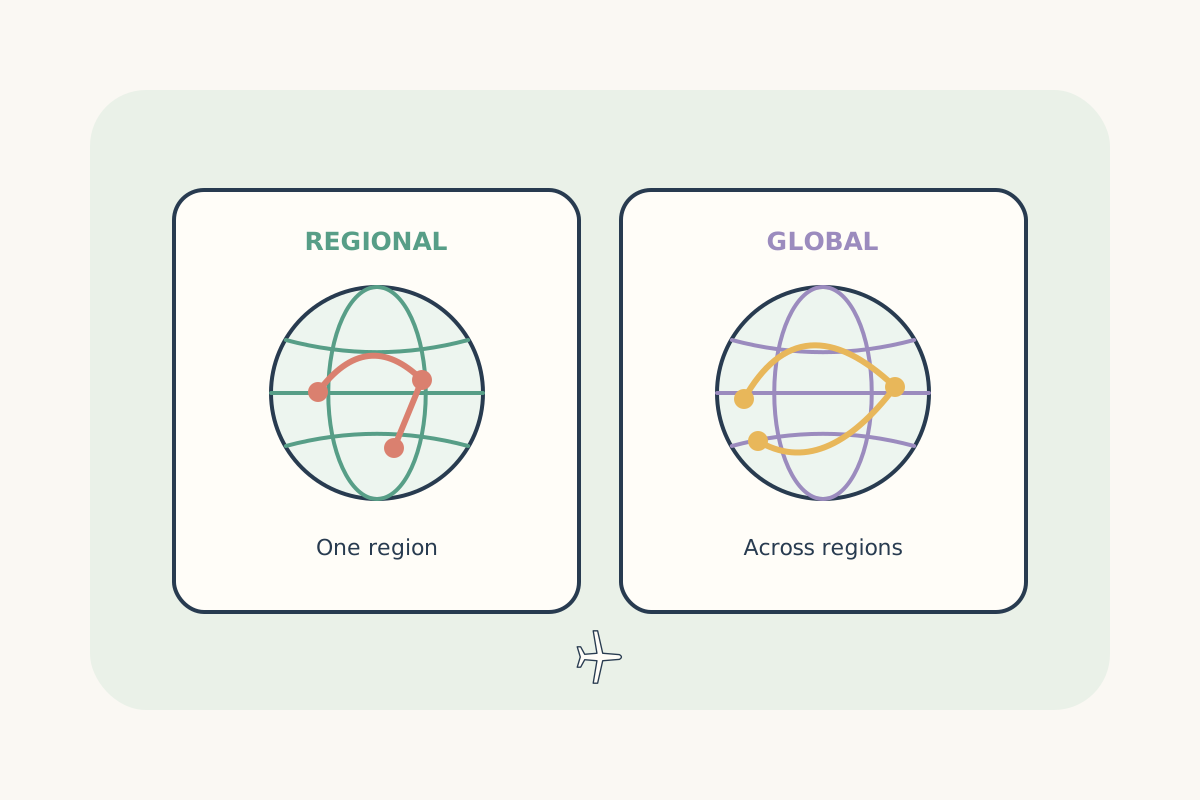
Compare country, regional and global coverage for the destinations on your route.
Read guide
Follow the installation steps and check what starts your selected plan’s validity.
Read guide