In this guide
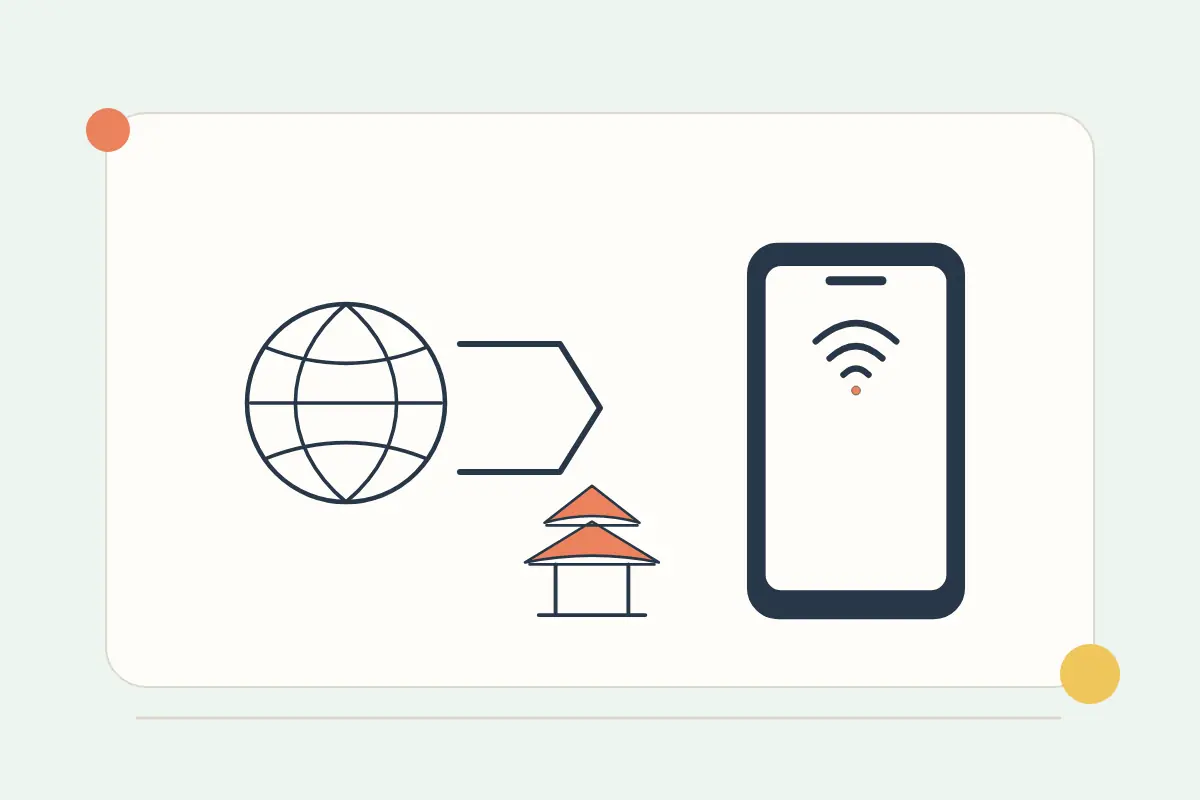
A travel eSIM's China coverage does not, by itself, guarantee that every app or website will work. Network routing, the service sold, device support and local restrictions can affect the experience. Ask about the exact package you intend to buy rather than relying on a generic “China eSIM” recommendation.
Compare the current China eSIM packages, then read the plan-specific information. If access to an application is essential for work, family contact or a payment approval, obtain a clear answer from the provider and prepare a practical fallback.
Separate mainland coverage from regional coverage
Check the actual list of covered countries and territories. Mainland China, Hong Kong and Macao can appear as separate entries. A regional package title is not enough to establish which parts of your route are included.
For a trip that also includes another destination, use the multi-country eSIM finder and select every required stop. Compare validity and data allowance for the entire trip, not only the first arrival.
Ask what the plan says about your essential apps
| Question | Useful detail to request |
|---|---|
| Will this specific app work? | Current guidance for the named package, including any limitations. |
| How is mobile data routed? | The provider's explanation for the actual plan, rather than an assumption based on the local network name. |
| Is hotspot supported? | Tethering permission and relevant fair-use conditions. |
| What happens after a network change? | How to obtain updated plan instructions and support. |
UK travel advice describes controls affecting internet access in China. That is a reason to verify current conditions and local rules, not a promise that a particular eSIM bypasses them. This guide does not promise unrestricted service or recommend methods that conflict with local law.
Check the phone model you will actually carry
Use the full device model and regional variant when checking eSIM support. An eSIM-capable product name in one market may not establish the capabilities of another variant. Apple publishes specific international-travel and regional-device guidance; use the current manufacturer information for your own phone.
Check that the device can use the selected service and is not restricted by its home carrier. The compatibility checker is a useful first step, and the provider or manufacturer can resolve an unclear model variant.
Prepare arrival information offline
- Save the hotel name, address and contact details, including local-language information where available.
- Keep the airport-to-hotel route and any essential meeting details offline.
- Save installation instructions and the provider's verified support channel.
- Prepare an alternative way to contact your travel companions.
- Review banking and account-verification methods before you leave.
Ordinary mobile signal, internet access, a messaging-app session and a bank's verification channel are different things. If a home-number SMS is essential, use the bank OTP preparation guide instead of assuming that a new data line receives that number's messages.
On arrival, test the parts separately
Enable the plan according to its activation policy, choose the intended data line and follow its roaming or APN instructions. Test a normal webpage, then the specific apps you need. If there is no data at all, use the troubleshooting assistant. If some services work and another does not, report that distinction to support.
Keep the eSIM profile and original instructions while troubleshooting. A package's validity start, an installation date and a first network connection may be different events; read the actual policy before installing or activating early.
Common questions
Does a foreign eSIM guarantee Google or WhatsApp access?
No. Verify current package-specific service information and keep an alternative for anything essential.
Will changing the APN guarantee that a blocked app works?
No. Use only the APN supplied for your plan. An APN is not a universal solution to app availability or local access restrictions.
Sources and further checks
Checked on 27 October 2026. Product availability and individual terms can change.