In this guide
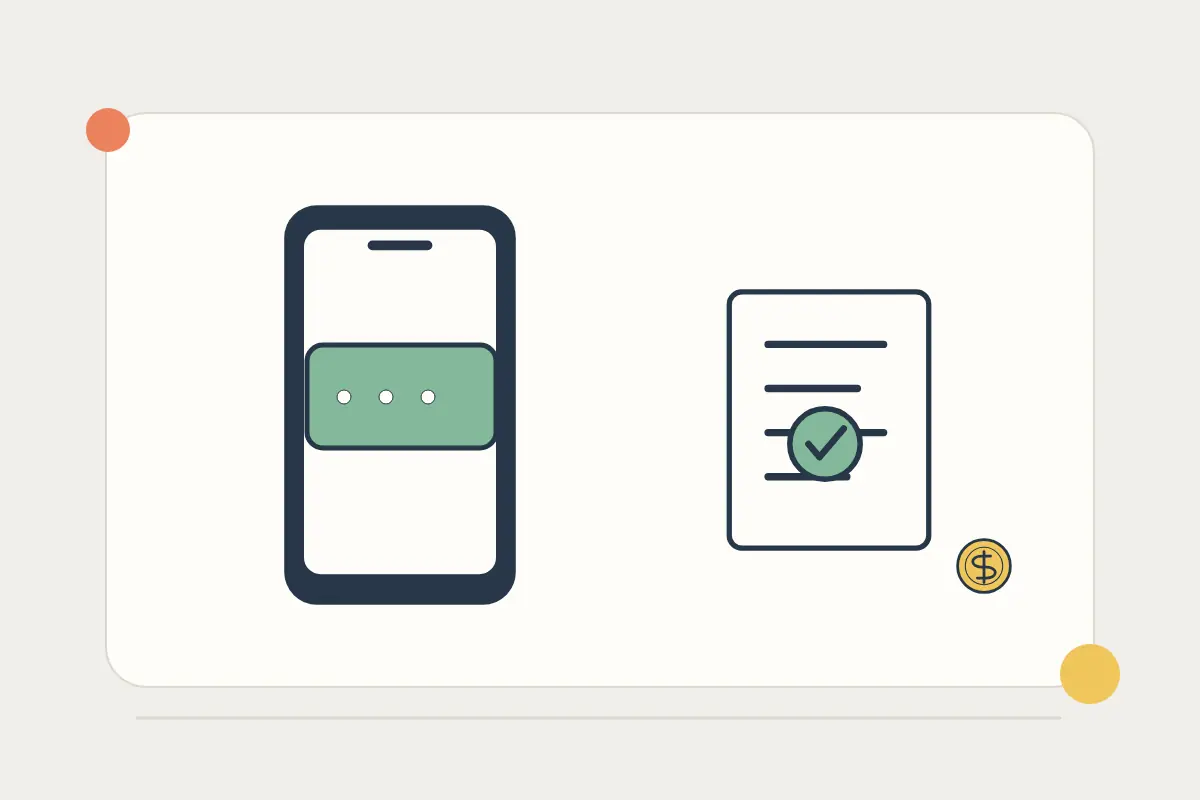
An SMS addressed to your home number still depends on that number's mobile service. A data-only travel eSIM does not take over delivery of messages sent to another number. Banking-app approvals use an internet connection, but their availability and registration rules are a separate question for your bank.
Prepare before leaving, especially if the same code is needed to sign in to your banking app or approve a card payment. Our dual-SIM travel guide explains the two-line arrangement; this checklist focuses on keeping access to payment verification.
Find out which channel your bank actually uses
| Verification method | What you should establish |
|---|---|
| SMS to a registered number | The number stays active and your home carrier supports receiving the relevant messages abroad. |
| Approval inside a banking app | The app is already registered and the bank permits approval over your available connection. |
| Authenticator or another bank-provided method | It is set up and tested before you need it. |
Do not replace a registered bank number with a temporary travel number without checking the bank's process. Registering a new device or phone number can require more verification than approving a payment on an existing app.
Give each SIM line a clear job
On a supported dual-SIM device, label the home and travel lines so they are easy to distinguish. Select the travel plan for mobile data and review automatic data switching. Keep the home line enabled if you need its mobile service, subject to the carrier's supported roaming arrangements.
Turning off mobile-data roaming and disabling a line entirely are different actions. Check the home carrier's instructions for voice and SMS service, including any fees and restrictions. Avoid assuming that every incoming text is free on every plan or that every short-code sender will deliver internationally.
For the travel line, follow the eSIM's own instructions: a roaming data plan may require data roaming to be enabled on that line. See the eSIM troubleshooting assistant for a symptom-based checklist.
Test the normal banking path before departure
- Confirm the phone number registered with the bank.
- Open the banking app and complete any required updates or registration.
- Check the bank's supported backup approval or recovery method.
- Ask the home carrier whether your line and SMS service work at the destination.
- Save verified bank and carrier support details somewhere you can reach without signing in to the affected account.
Use your bank's normal, supported test process; there is no need to make an unnecessary travel purchase simply to produce a code. Keep recovery material secure and separate from public trip documents.
When a code does not arrive
Check which number the bank used and whether the home line shows service. Confirm that airplane mode is off and that you have not disabled the home line while selecting travel data. Review the bank's available alternative method instead of repeatedly requesting codes in quick succession.
If ordinary messages arrive but the bank's code does not, the bank or carrier may need to investigate sender filtering, roaming support or account restrictions. If no home-line messages arrive, investigate that line's registration and service first. Strong travel-eSIM data signal does not prove that the other line can receive SMS.
Common questions
Can a new travel eSIM number receive my existing bank's codes?
Only if the bank sends to that number and supports it. An unrelated new number does not receive messages addressed to your home number.
Will WhatsApp delivery prove bank SMS is working?
No. WhatsApp uses an internet connection. An SMS addressed to a mobile number follows a different service path.
Which eSIM should I choose for banking apps?
Compare destination coverage and data needs in the roaming versus eSIM calculator. Confirm authentication requirements with your bank separately.
Sources and further checks
Checked on 27 October 2026. Product availability and individual terms can change.