In this guide
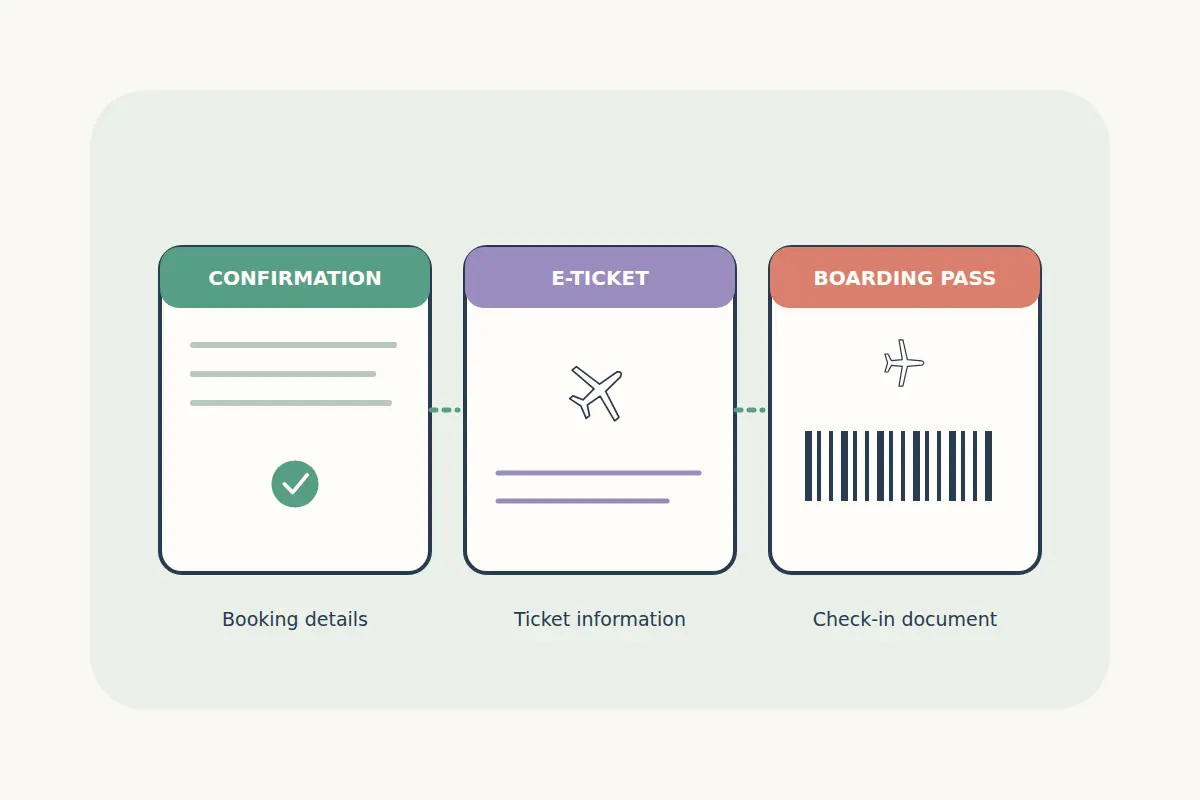
A flight search, a successful payment and an airline boarding pass represent different stages of a journey. Knowing what each document does helps you check that the booking is complete and prepare the right information for check-in.
Keep your confirmation, payment reference and any ticket details together, but read their labels and status. A saved itinerary or payment receipt alone is not a substitute for the final booking confirmation or a boarding pass.
Understand the documents and references
| Item | What it helps you do | What to check |
|---|---|---|
| Booking confirmation | Review the reserved journey and the booking's reported status. | Passenger names, flights, dates and confirmation wording. |
| Booking reference or reservation locator | Identify a reservation with the relevant booking service or airline. | Which company issued the reference and where it can be used. |
| E-ticket or ticket receipt | Review issued ticket details where supplied for the booking. | Ticketing status, passenger and itinerary information. |
| Payment receipt | Identify a payment or transaction. | Amount, status and which order it belongs to. |
| Boarding pass | Present the airline's check-in document for the relevant flight. | Passenger, flight, date and current airport instructions. |
Formats differ between carriers and booking systems. Check what your airline and booking service supply rather than assuming every journey produces identical documents or reference numbers.
A payment message is separate from booking confirmation
If you pay with Bitcoin, USDC or another supported method, a wallet may show a transfer before the booking reports its final status. Follow the payment page and the travel order's confirmation process. Avoid treating a transaction identifier as an airline reservation locator.
If a payment appears accepted while a booking is still processing, check the status and contact the booking service if clarification is needed. Do not immediately create a second booking or pay another invoice to resolve an uncertain first attempt.
Our USDC payment guide and crypto flight-booking guide explain the payment and booking checks in more detail.
Read the confirmation while details are easy to investigate
Compare the confirmed journey with what you intended to buy. Check each passenger, departure and arrival date, airport code, connection and baggage allowance. Review the fare conditions and any extras that should be associated with the booking.
Arrival can fall on a different day from departure. That matters for hotels, airport transfers and onward flights. A confirmation also needs the correct contact details so you can receive updates; it is worth checking your email's spam folder if expected messages are missing.
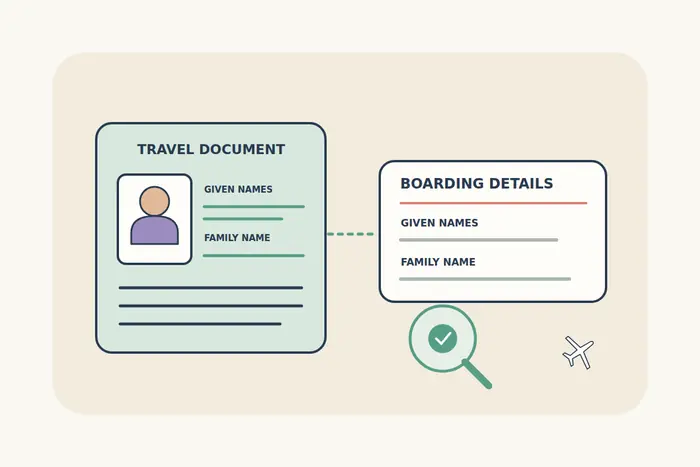
Use the passenger-name guide for document matching and the baggage guide to distinguish included allowances from optional extras. Raise an apparent mismatch promptly with the service that made the booking.
Use the correct reference for the correct service
Your CryptoTraveler order reference, an airline reservation locator and a ticket number can have different purposes. Use the reference requested by the service you are opening. If a journey involves more than one airline, check whether the confirmation supplies different carrier references.
If an airline's website cannot find the reservation, compare the reference type, passenger surname and operating airline with the confirmation. Do not publish the locator and surname in a public forum to ask for help; use the official booking support route.
To review your CryptoTraveler account, sign in and open the relevant booking, or follow the instructions in its confirmation. If the status remains unclear, contact CryptoTraveler with the order reference and a description of the problem.
Get the boarding pass through the airline's check-in process
A boarding pass is normally produced through check-in, subject to the airline's process and any required document checks. Consult the operating carrier for the current check-in window and airport requirements. Do not assume a universal online opening time or that every airport accepts every digital format.
KLM explains its boarding-pass options and notes that a traveler awaiting a document check may receive a check-in confirmation first. Its instructions are an airline-specific example; follow your own carrier's guidance.
British Airways' check-in and boarding information is another official source for its passengers. A successful online step does not remove a required airport document check, baggage drop or gate deadline.
Prepare the documents you need for each flight
- Keep the relevant booking references and confirmation available offline.
- Carry the travel documents required for your route and nationality.
- Check how to obtain and present the boarding pass for each segment.
- Review any required airport check-in, document-check and baggage-drop steps.
- Read current airport or airline updates for terminals, gates and deadlines.
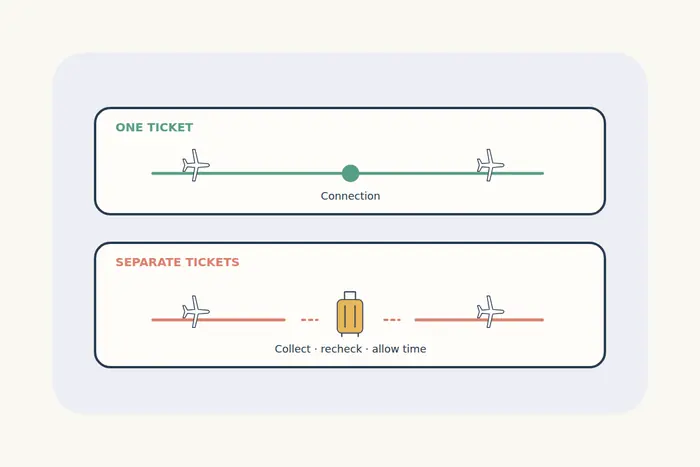
If you have separate tickets, one boarding pass or check-in process does not establish that the later journey is ready. Read our connection and self-transfer guide when planning transfers between bookings.
Recheck the dates against your stay as well. The hotel check-in timing guide helps with early arrivals and flights landing after midnight.
Flight document questions
Is an e-ticket the same as a boarding pass?
No. Ticket details describe the travel booking and ticketing information. A boarding pass belongs to the check-in and airport process for a flight.
Does a payment receipt prove that my flight is confirmed?
Check the travel booking's final status and confirmation separately. A receipt identifies a payment; it does not replace the airline or booking service's confirmation.
What if I check in but do not receive a boarding pass?
Read the airline's message. It may require an airport document check or another action. Follow its instructions and contact the carrier or booking service if the required step is unclear.
Can I use a boarding pass from an earlier segment?
Check the passenger, flight and date on each pass. Follow the operating airline's process for the next segment rather than assuming one document covers the whole route.