
Choose your travel data allowance
Estimate your data needs for maps, messages, browsing and sharing your connection.
Read guideChoose a currency for your trip.
No currencies found. Try a name or currency code.
Find the common socket types, voltage and frequency at your destination. Match these with the markings on your own plug and device.
Country references describe common sockets, not every wall outlet. Match the actual plug and device label. The letters alone do not confirm earthing, current rating or suitability for high-power appliances.
Adapters change the physical connection. They do not convert voltage or frequency. A 100–240 V, 50/60 Hz marking commonly appears on chargers; use your actual label, not a device-type assumption.
Country supply data adapted from plugverdict.com, licensed CC BY 4.0. Country quality flags are retained; photographs and compatibility verdicts are not reused.
Data retrieved: 2026-10-22T08:18:18+00:00
No. An adapter changes the connection. Check the input voltage and frequency printed on your device before using it.
Countries can have mixed installations. Hotels, older buildings and regions may differ. Match your accommodation’s sockets as well as the general reference.
The source may be incomplete or conflicting, or your device label has not been entered. The tool keeps that uncertainty visible rather than assuming compatibility.
Choose your data allowance, compare destination coverage and get ready to connect.
Estimate your data needs for maps, messages, browsing and sharing your connection.
Read guide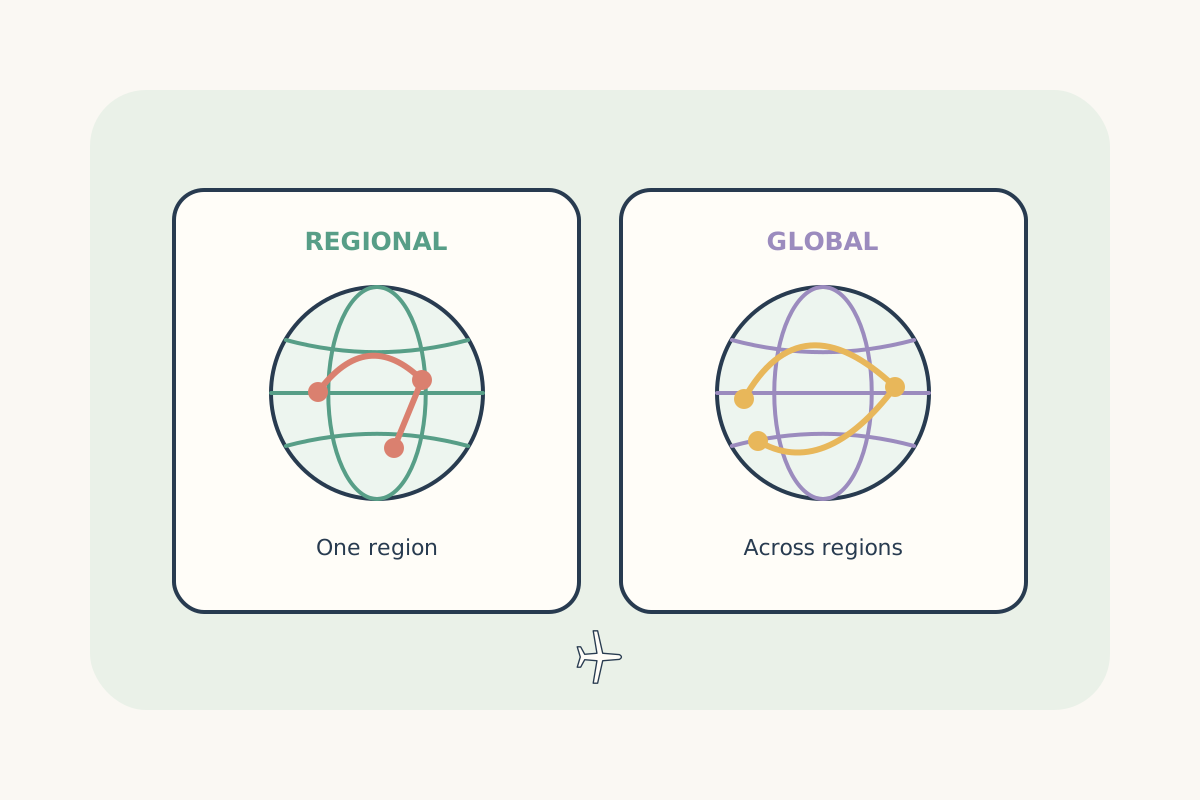
Compare country, regional and global coverage for the destinations on your route.
Read guide
Follow the installation steps and check what starts your selected plan’s validity.
Read guide