In this guide
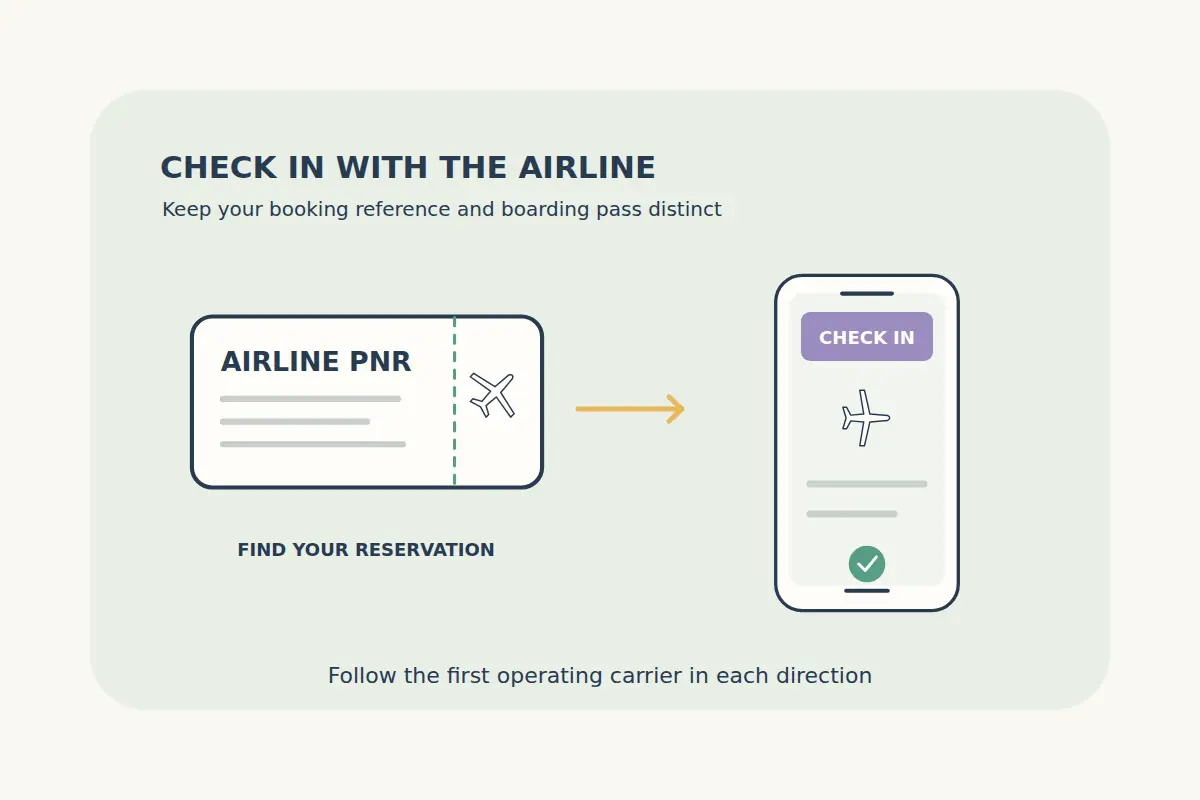
Online check-in is an airline process that prepares you for a particular flight and may provide a boarding pass. It is separate from buying the ticket. A CryptoTraveler booking reference, airline reference and e-ticket number can all appear in your travel documents, but they serve different purposes.
Use the airline reference (PNR) to access the airline's check-in service, following the instructions for the airline operating your first flight in each direction. Read the operating-carrier line on the itinerary, especially when the flight is sold under another airline's code.
Identify the reference the airline is asking for
| Reference or document | What it identifies | Typical use |
|---|---|---|
| CryptoTraveler booking reference | Your order with the booking service. | Finding the booking and discussing it with support. |
| Airline reference / PNR | The airline reservation record supplied with your itinerary. | Opening the airline's booking or check-in process. |
| E-ticket number | An electronic ticket document, where issued and supplied. | Ticket identification; some airlines accept it as a lookup option. |
| Boarding pass | The check-in document for a passenger and flight. | Airport processing and boarding under the airline's instructions. |
Use the reference exactly as provided and the passenger surname requested by the airline. An order number from a payment receipt is not automatically the airline's booking code. Our confirmation, e-ticket and boarding-pass guide explains the distinctions.
Choose the operating airline for the first flight
A codeshare can show a marketing airline and a different operating airline. Start with the carrier actually operating the first flight in that direction, then follow its check-in instructions. The appropriate airline reference may differ from the one another airline uses.
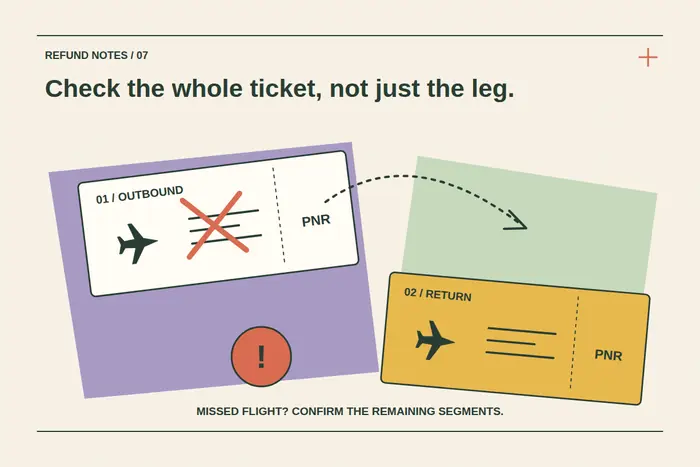
For a connecting journey, check which onward boarding passes are issued and what remains to be done at the transfer airport. Do not assume checking in for the first flight completes every independent booking. Repeat the process for the return journey when its check-in opens.
If the airline cannot retrieve the reservation, confirm the operator, reference and surname before repeatedly trying different numbers. Contact CryptoTraveler support if your confirmation does not establish the correct airline reference.
Check the actual opening time and airport deadlines
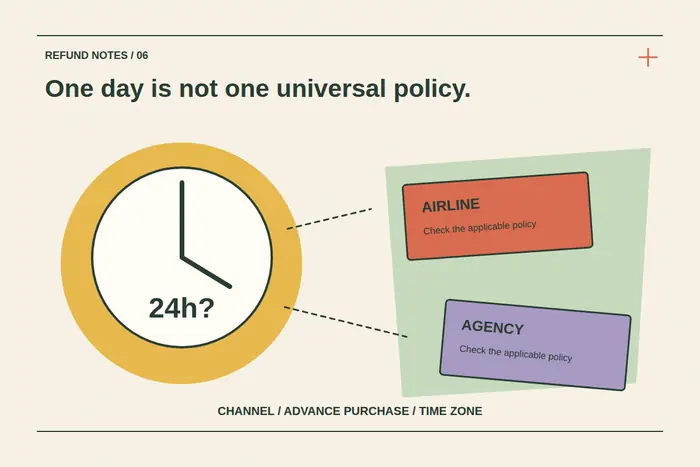
There is no universal online check-in window. For example, British Airways describes online check-in from 24 hours before departure, while KLM publishes a different opening window with a US-route exception. Follow the current instructions for your specific flight.
Record three separate deadlines: check-in, bag drop and arrival at the boarding gate. The departure time is not the time to arrive at the gate. Use local airport times and check the date carefully after overnight travel.
Set a reminder and check the airline's current flight status. Completing online check-in does not extend airport deadlines or confirm that a flight will operate unchanged.
Review passenger details before requesting the boarding pass
Have the actual passport and any required entry documents available. Enter document details carefully and confirm the traveler selected on each screen. Use the passport and entry checklist for the broader document checks.
Read seat and baggage choices before accepting extras. A seat offered for a fee is not necessarily included in the purchased fare. Compare the airline display with your confirmed allowance; our baggage guide explains what to look for.
If a name or document issue appears, seek the appropriate correction process instead of creating another booking to work around it. A completed online form does not establish that incorrect travel details are acceptable.
Handle unavailable check-in or boarding passes calmly
A message asking you to see an airport agent can mean a document check or another processing requirement. It does not, by itself, tell you that the ticket has been cancelled. Read the exact message, save it and follow the airline's airport instructions.
If the booking cannot be found, distinguish that from check-in simply not being open. Check for a schedule change and contact the booking service when the reference or confirmation remains unclear. Do not publish the PNR and surname on social media while asking for help.
Save passes and still check the airport screens
Where accepted, save the boarding pass in the airline app or wallet and keep an offline copy. Follow any instruction to collect a paper pass or have documents checked. A screenshot is useful only if the airport and airline accept that format.
At the airport, check the live gate information, complete bag drop if needed and allow time for security and border formalities. After a disruption, confirm that you are using the pass for the updated flight. See the departure checklist for the remaining preparations.
Online check-in questions
Is my CryptoTraveler reference always the airline PNR?
No. Use the airline reference identified in the travel confirmation or request clarification from support.
Which airline should I use for a codeshare?
Follow the operating carrier's instructions for the first flight in each direction and any guidance supplied for the itinerary.
Does online check-in mean I can skip bag drop?
No. Checked baggage still needs the airline's bag-drop process within its deadline.
Does an unavailable boarding pass mean my ticket is invalid?
Not necessarily. Read the message and establish whether an airport document check or another step is required.