In this guide
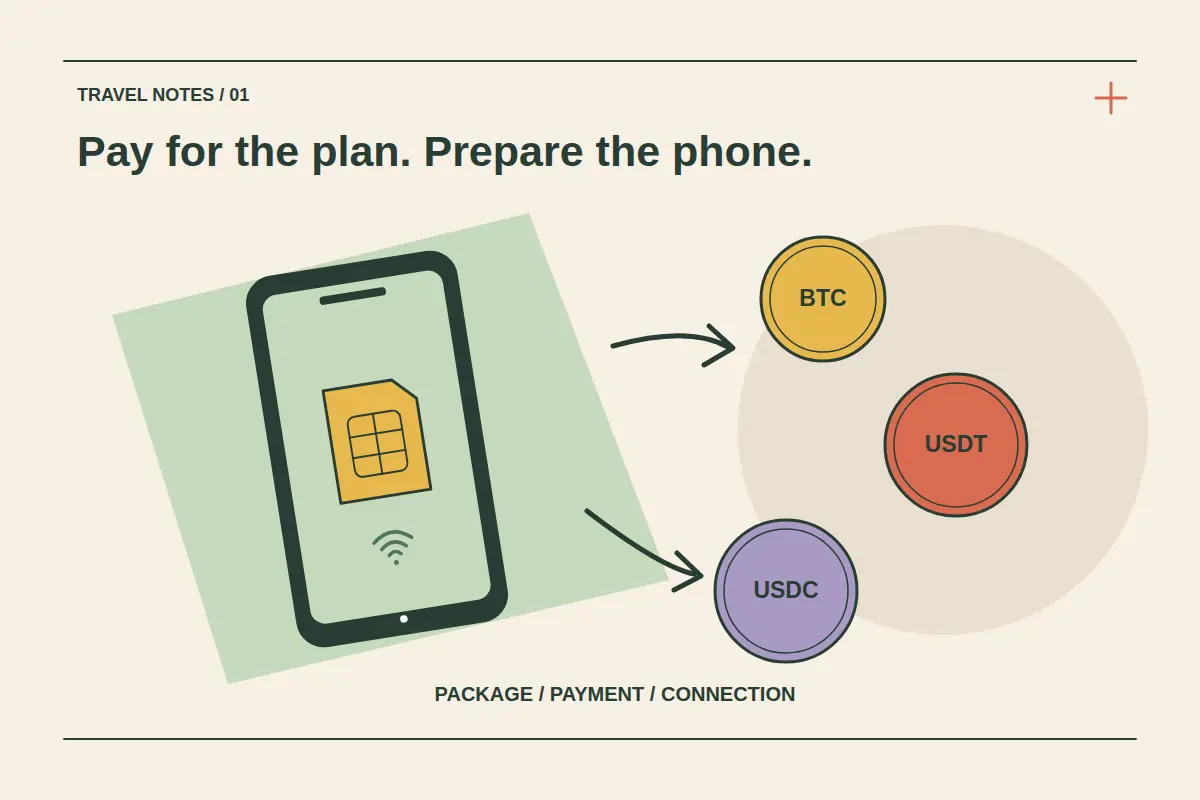
You can buy a travel eSIM with cryptocurrency when the selected checkout offers a suitable payment route. Start with the package and device checks, then choose Bitcoin, USDT, USDC or another supported option shown for that order. The invoice controls the accepted asset, network, amount and deadline.
An eSIM purchase has three separate milestones: the payment is accepted, the package becomes available, and the installed profile connects under its activation policy. This guide explains how to move through those milestones on CryptoTraveler's eSIM page without confusing a wallet transfer with usable mobile data.
Check the exact phone before choosing a package
Confirm that your particular model and regional variant support eSIM and that the phone can use another provider. A familiar model name alone is insufficient: purchase market, carrier restrictions and device configuration can affect eligibility. Use the compatibility page and your device's settings before paying.
For iPhone preparation, Apple's international eSIM guidance explains the available travel arrangements and carrier-lock checks. Keep a working internet connection available for installation. A successful crypto payment cannot remove a device restriction.
Choose coverage and allowances for the actual trip
Search for the destination, open its packages and compare the included countries, data allowance, validity and activation policy. For several countries, compare a regional package with the individual country options. Check every stop on a global package rather than relying on its name.
| Package detail | Question to answer before buying |
|---|---|
| Coverage | Are the countries and relevant networks for your itinerary included? |
| Allowance | Will the usable data cover maps, transport, messages and your other tasks? |
| Validity | When does the allowance begin and when does it expire? |
| Telephone service | Is this data-only, or does the package explicitly include calls and SMS? |
| Hotspot and top-ups | Are sharing and further purchases supported by this particular package? |
A low headline price is useful only if the product meets those needs. The data allowance guide can help you build a realistic usage estimate.
Review the order before opening a crypto invoice
Confirm the destination, package quantity, allowance and total. If buying for another traveler, establish which device will use each profile and how the installation details will reach that person. Keep the contact information accurate so you can receive purchase updates.
Choose from the payment methods actually offered at checkout. A price displayed in a cryptocurrency does not independently confirm that every payment network or wallet type is supported. Review the payment route before preparing a withdrawal or transfer.
Match the coin and network exactly
Bitcoin, USDT and USDC are different assets. Tokens sharing a ticker can also exist on different networks. Follow the current invoice's instructions, including any wallet requirements; a cheaper network is useful only when that network is explicitly accepted.
Check the full amount the invoice must receive and allow separately for any wallet or exchange fee. Avoid rounding down, using an old address or splitting a full invoice into an unrequested test payment and remainder. If funds are not ready to send within the displayed deadline, pause instead of sending to an expired invoice.
If sending from an exchange, review the exchange payment checklist first. Our Bitcoin and stablecoin payment comparison explains what to review before sending. The amount and instructions shown for your own order remain decisive.
Confirm the purchase and save the installation details
After sending, check both the payment status and the eSIM order. Save the transaction reference and order reference as separate records. If the outcome is unclear, follow the payment-status checklist before repeating the purchase.
Once the installation information is available, keep it private and follow the installation and activation guide. Some packages start when installed; others start when connecting to an eligible network. Read the policy for the selected package before installing early.
Prepare an arrival check
Save the first hotel address and transport information offline. On arrival, select the intended mobile-data line and follow that package's network and roaming instructions. Check the home line separately so its settings suit the services you intend to keep using.
If mobile data is unavailable, use the existing eSIM troubleshooting guide. Keep the installed profile unless support or the plan's instructions confirm an appropriate replacement or reinstallation process.
Crypto eSIM purchase questions
Can I pay with USDT on any network?
Use only a network accepted by the selected invoice. The token name alone does not establish compatibility.
Does paying with Bitcoin activate the eSIM?
Payment and activation are separate. Follow the package's installation and activation policy after the purchase is confirmed.
Can I buy a package before traveling?
Review its purchase, installation and activation conditions first. Prepare access to the instructions and install at the time appropriate for that package.