In this guide
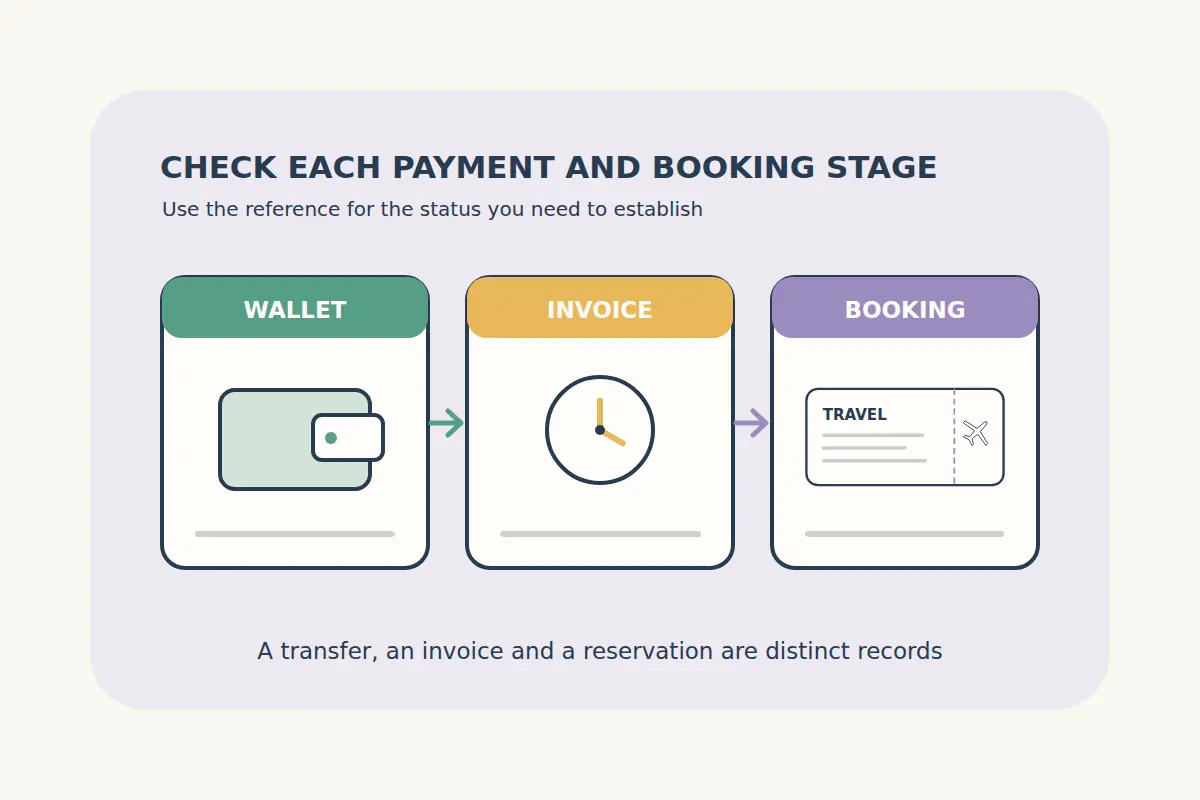
A wallet showing sent, a payment invoice showing processing and a final travel confirmation describe different stages. If the booking is unclear after a crypto payment, identify which stage you can verify before taking another action.
Do not immediately create a second booking or pay a new invoice to solve an uncertain first attempt. Check the existing order and payment records, then ask for clarification through the official support route if needed.
Separate the three records you are checking
| Record | What it helps establish | What it does not establish alone |
|---|---|---|
| Wallet or exchange withdrawal | The reported status of a transfer instruction or transaction. | That the booking service has matched and accepted the payment. |
| Payment invoice | The payment provider's status for that particular invoice. | That every travel reservation has completed successfully. |
| Travel order confirmation | The booking's reported final status and reservation details. | That an unrelated invoice or separate order has been paid. |
Keep the references associated with the correct order. A wallet transaction identifier, payment invoice ID and airline reservation locator can serve different purposes. Our flight documents guide explains the travel references in more detail.
Check the original invoice instructions
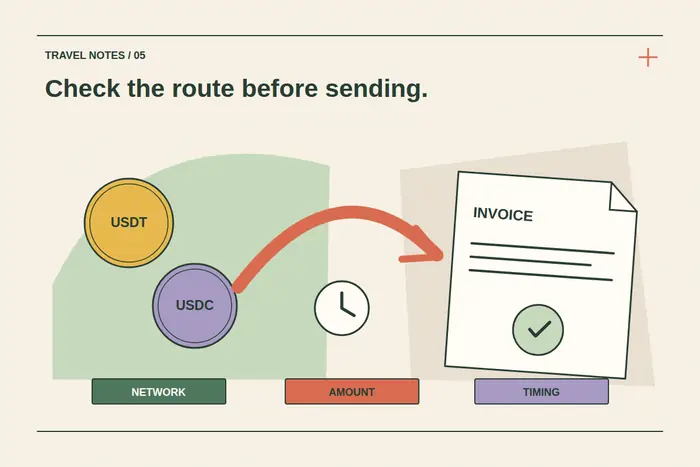
Review the invoice you used for the intended order. Compare the requested asset, network, destination, exact amount and payment deadline with the wallet's transfer details. Use the information on that invoice rather than a saved address or instructions from another booking.
If an exchange handled the transfer, distinguish its withdrawal request from the actual reported transaction status. Check whether the amount sent to the requested destination matches the invoice after any applicable withdrawal handling.
Do not assume a token with a similar name or a different network is interchangeable with the requested option. If a mismatch appears, preserve the details and ask support what can be established. Do not send an improvised second amount to an old address to try to repair it.
Read payment status without turning it into a booking promise
A payment provider may report a transfer before its invoice reaches final payment status. For a specific example, the BTCPay Server user guide distinguishes an on-chain payment being detected from the invoice becoming settled under the configured confirmation policy.
Other payment methods and providers can use different wording. Read the current invoice's instructions and status rather than assuming one universal confirmation count or fixed waiting time for every asset and network.
A completed wallet transfer is a reason to trace the existing payment, not proof that an airline ticket, hotel reservation or eSIM order has already reached its final state. Check the travel order separately.
Handle expired, partial or unclear invoices carefully
An expired invoice label does not by itself tell you what happened to funds already sent or whether a travel booking can still complete. A transfer can also be reported with a different amount from the invoice or arrive under conditions that need clarification.
Read the current invoice message and gather the transfer details. If the provider explicitly offers a permitted next step on that same invoice, follow its current instructions. If the status or deadline is unclear, contact support before sending additional funds or opening a replacement booking.
Do not assume an automatic refund, a fixed recovery time or that an expired travel offer has been secured by a payment message. Our cancellation and refund guide explains the separate questions that arise when travel cannot proceed.
Check the travel order and confirmation messages
Sign in to CryptoTraveler and open the relevant order, or follow the instructions supplied with its confirmation. Check the reported status, traveler or guest details, dates and any reservation reference.
Look for the confirmation message in the intended email account, including spam or filtering folders. The absence of one email does not by itself prove the purchase failed, just as a payment receipt does not replace the final travel confirmation.
If the order is processing, unclear or reports a problem, keep its reference and the invoice information together. Avoid buying the same trip again until the first attempt's outcome is established. For a close departure or arrival, include that travel date clearly in the support request.
Send a concise private support request
Use CryptoTraveler's contact page and describe the mismatch between the payment and order statuses. Provide the relevant information through the private support route:
- The CryptoTraveler order reference and payment invoice reference.
- The asset and network used, amount and approximate payment time.
- The transaction identifier or exchange withdrawal status, where supplied.
- The status currently shown by the invoice and travel order.
- The travel date and a concise description of any error message.
Do not send wallet recovery phrases, private keys, account passwords or full card details. Share only the information needed to investigate the specific payment and booking, and avoid publishing reservation details in a public forum.
Keep the support reply with the existing order before acting on another payment or booking instruction. Our USDC booking guide and crypto flight guide explain the ordinary payment and confirmation checks.
Payment and confirmation questions
Does sent in my wallet mean the hotel or flight is confirmed?
No. Check the invoice and final travel order separately, using the correct references.
Should I pay again because the confirmation email is missing?
First check the existing order, invoice and email folders. Ask support to establish the outcome before duplicating an uncertain purchase.
Does an expired invoice prove the funds were refunded?
No. Check what the invoice and support process establish about that specific payment.
Should I send my wallet recovery phrase to trace a transfer?
No. Use the order and invoice references and relevant transaction details through the official private support route.