In this guide
A family hotel search needs more than a headcount. The number of rooms, allocation of adults and children, children's ages and the offered bed arrangements can all affect which rates fit your stay. Enter the actual travelling party before comparing prices.
A photo with a sofa or two beds is not enough to establish the permitted occupancy. Check the room description and rate conditions for the guests who will actually use it.
Start with the family and the rooms you need
Write down the adults, children and their ages for the stay, then consider how you would allocate them to rooms. Include infants where the search asks for them; do not omit a child simply because you expect a cot or free accommodation.
Use hotel search with the required rooms and guest details. Where ages are requested, provide the correct values for the stay and check how the property defines a child or adult. Different hotels and rates may use different thresholds.
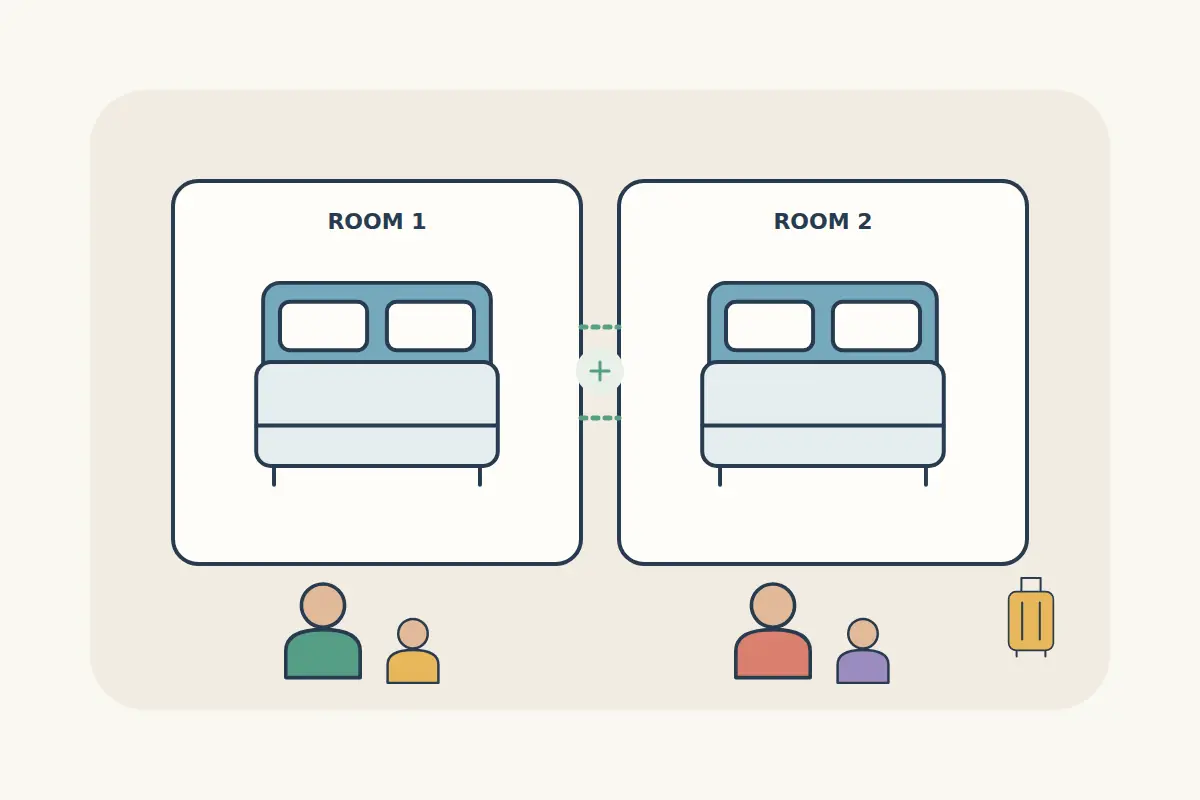
Illustrative planning options for two adults and two children:
| Option | What to establish |
|---|---|
| One family room | The room expressly permits all four guests and supplies suitable sleeping arrangements. |
| Two rooms | Each room permits its allocated guests and meets the property's adult-supervision requirements. |
| A suite or apartment | The listed occupancy, bedroom layout and included beds fit the family; a kitchen or extra bedroom is not assumed from the category name. |
These are search ideas, not a promise that a specific arrangement is available. If a child has a birthday during the trip or an occupancy rule is unclear, ask before paying.
Separate maximum occupancy from the beds supplied
Occupancy tells you who may stay under the offered conditions. Bed information tells you where those guests will sleep. A room allowing four people may include a sofa bed or require an expressly listed extra-bed arrangement instead of four separate beds.
- Check the bed types and whether they are confirmed or preferences.
- Confirm the child's age is eligible for the offered arrangement.
- Look for any stated cot, extra-bed or sofa-bed charge.
- Check whether an extra bed or cot requires a separate request.
- Confirm the room still fits the total occupancy when all guests are included.
Do not count a sofa as a sleeping place unless the description says it is provided for that purpose. If a cot is essential, seek confirmation of availability and cost before choosing a restrictive rate.
Understand connecting, adjacent and nearby rooms
Connecting rooms have an internal connecting door. Adjacent or nearby rooms describe location and do not, by themselves, promise that door. A request for rooms together is different from an explicitly confirmed room arrangement.
Hilton's dedicated connecting-room service is an example of a specific confirmation process on its own booking channels. Do not assume that service or guarantee is included in a CryptoTraveler rate. Likewise, Marriott's digital-entry terms distinguish accommodating room requests from guaranteeing them.
When a connecting door is necessary for your family, ask whether the offered booking explicitly confirms it. If it is only a request, decide whether the accommodation would still work without it. Booking two rooms does not automatically link their location.
Compare meals, fees and flexibility for every guest
Check who is included in the meal plan. A room sold with breakfast does not answer every question about additional guests, children's age rules or locally payable charges. Read the details for the rate and your actual family.
Compare the total for all rooms with equivalent inclusions. For example, an apparent saving on two room-only rates may disappear if you need to add breakfast for four people. Use actual offered prices for the comparison; a children's policy from another hotel is not evidence of this property's terms.
Our guides to hotel meal plans, check-in charges and cancellation flexibility help separate these decisions.
Review each room before paying with crypto
- Check the travel dates and actual arrival day.
- Review the adults and children allocated to each room.
- Confirm permitted occupancy and the sleeping arrangements.
- Read the inclusions, cancellation rules and arrival requirements.
- Resolve essential requests before payment.
- After confirmation, check every room and guest detail again.
Paying in Bitcoin or another offered cryptocurrency does not change the property's occupancy rules or guarantee a request. Use the payment method shown for your purchase and follow its invoice instructions.
Family hotel booking questions
Does a child stay free if they share our bed?
Only rely on what the specific room and rate permit for the child's age. An assumed bed-sharing arrangement should not replace entering the child in the search.
Can I book one double room and bring an extra child?
Search with everyone included and choose an offer permitting the full party. Contact support if you cannot find a suitable allocation; do not assume an extra guest can be added on arrival.
Are connecting rooms guaranteed when I request them?
A request alone is not a guarantee. Check whether the booking specifically confirms the arrangement and what happens if it cannot be provided.
Search family accommodation with the complete guest allocation, or ask support about an unclear room condition before booking.