In this guide
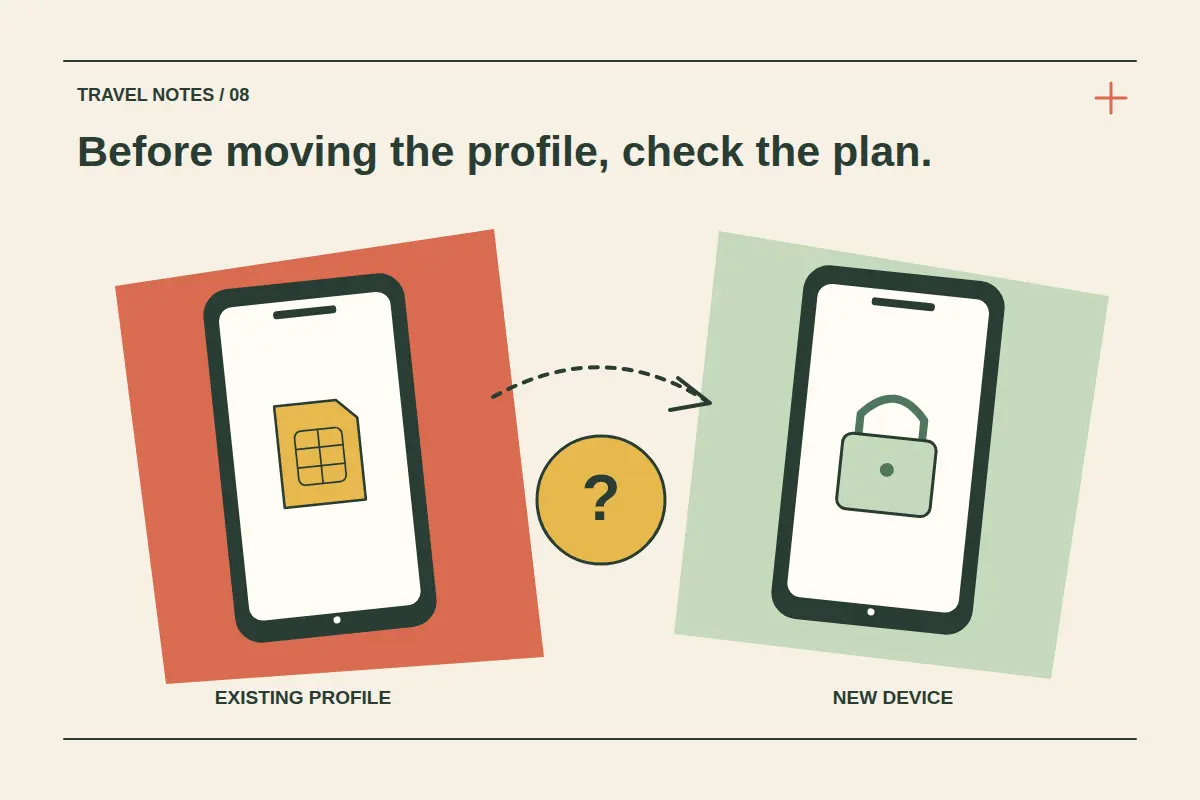
A travel eSIM is not automatically transferable because both phones support eSIM. The package, mobile provider and installation method determine whether it can move, be reissued or needs replacing. Do not delete the working profile or assume its QR code can be reused before confirming those conditions.
There are also several different things you might be trying to move: a mobile number, an installed eSIM profile, a travel-data package or the apps on the phone. Work out which one matters before changing either device. This guide focuses on preparing a safe plan for an existing travel eSIM.
Separate the phone feature from the plan's permission
A device may display a transfer option that works only with participating providers and supported arrangements. That feature does not establish that every temporary travel-data package is eligible. Follow the specific provider's process for the profile you bought.
Apple's eSIM setup guidance describes different activation and transfer methods. Google's Pixel SIM-transfer guidance likewise gives device and provider conditions. Use those instructions alongside the travel package's rules, not as a replacement for them.
Identify your situation before making changes
| Situation | Next check |
|---|---|
| New phone, old phone still working | Confirm eligibility and the supported transfer or replacement procedure while both devices are available. |
| Travel eSIM purchased but not installed | Check whether installation is tied to a device, order or activation deadline before choosing the receiving phone. |
| Profile already installed | Check whether the provider permits moving or reinstalling that profile; QR-code reuse is not automatic. |
| Phone lost, damaged or inaccessible | Ask about replacement and account access using a trusted alternative connection. |
| More data needed on the same phone | Compare an eligible top-up with a new package rather than treating this as a device-transfer problem. |
Record the package name, order reference and intended destination. These are more useful to support than a general statement that the new device has an eSIM setting.
Keep the working profile until instructions are clear
Removing a profile does not necessarily release it for another device. It can also remove the connection you need to complete the replacement process. Keep the old phone connected and available where possible until the supported procedure tells you otherwise.
Apple's deletion guidance advises against erasing an eSIM as a troubleshooting step unless directed by the carrier and explains that replacement may require contacting it. A factory reset can introduce additional choices about keeping or erasing profiles, so read those prompts carefully.
If the problem is simply no internet on the current phone, start with the connection troubleshooting guide instead of deleting the installation.
Check the receiving device and package timing
Review the exact new model, regional variant and carrier restrictions through the compatibility page and the phone's own information. An installation that worked on the old phone does not establish that the new one is eligible.
Ask what will happen to remaining data, validity, activation state and any calls or SMS allowance if a move or replacement is supported. Do not assume the expiry clock restarts, that unused data transfers, or that a replacement keeps the same number. Those outcomes depend on the provider's confirmed process.
Get a precise answer for a CryptoTraveler purchase
Open the order and available installation information in your account, then contact support if transfer eligibility is not stated. Provide the order reference, old and new device models, whether the profile was installed or activated, and what access you still have to the original phone.
Ask whether the existing package can move, whether a new installation code is required, whether the old profile should remain installed and whether a replacement has any charge. Keep QR codes, activation details and account credentials private; do not post them in a public question.
Wait for that plan-specific answer before buying a duplicate or erasing the original profile. A phone's native transfer button is not a confirmation from the travel package's provider.
Prepare a fallback that suits the trip
If the package cannot move, compare a new eSIM for the remaining journey against any confirmed replacement option. Check the new device and package conditions first, then install using a trusted connection.
Keep important addresses and journey documents offline while changing phones. Move app access and home-number arrangements separately so that a data-profile change does not leave you unable to retrieve account messages. Our dual-SIM guide explains how those roles differ, while the top-up guide addresses more data on an eligible existing profile.
Travel eSIM transfer questions
Can I scan the same QR code on the new phone?
Only if the provider confirms that this is permitted for that code and package. Treat installation details as private access information.
Will deleting the old eSIM make the code work again?
Do not assume so. Ask for the supported transfer or replacement procedure before deleting anything.
Does a phone backup restore my travel package?
App and device backups do not establish that an eSIM profile or package will transfer. Follow the provider's confirmed process.