In this guide
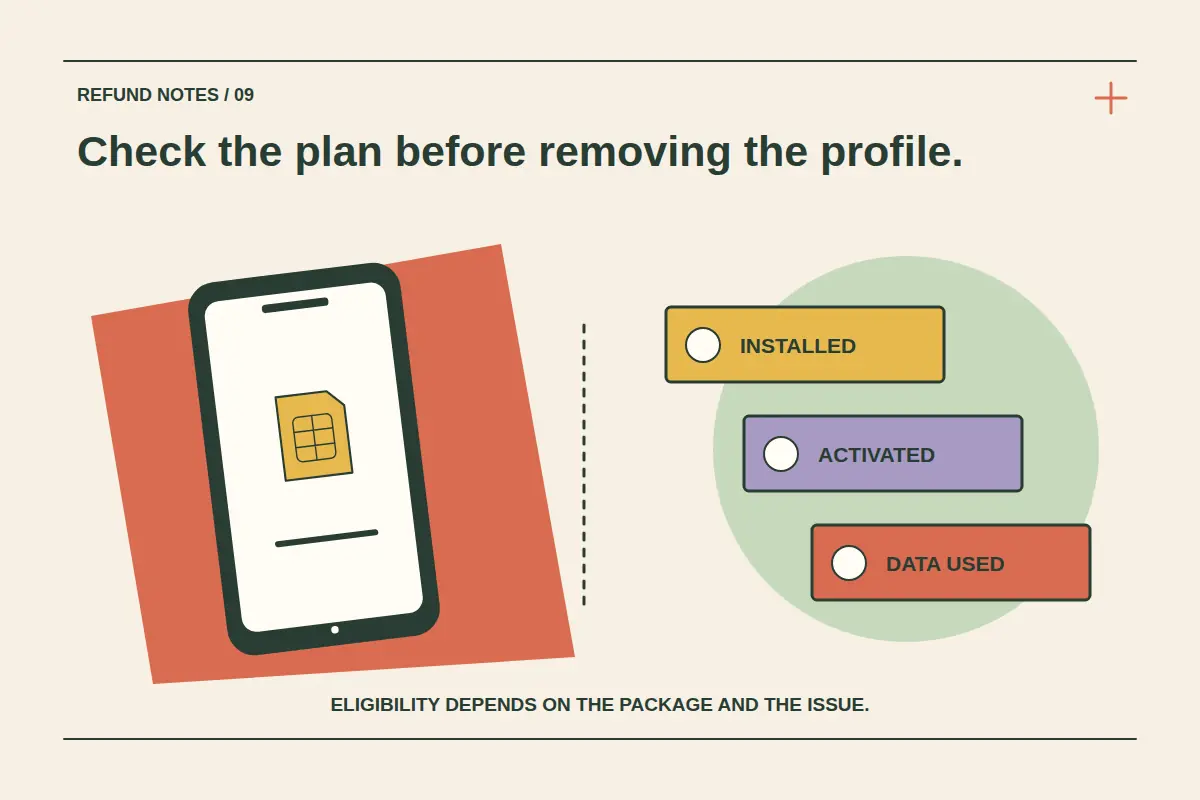
An eSIM refund should be checked against the package you bought and what has happened to it. Purchasing, installing, activating and using data are different states. None of those words alone establishes the outcome of every refund request.
If a CryptoTraveler eSIM does not work as expected, first record the problem and contact support. If you bought the wrong destination or no longer need the plan, say so clearly. A connection problem and a change of mind may need different evidence and be assessed under different conditions.
Identify the exact package and its state
| State or issue | Information to gather |
|---|---|
| Purchased but not installed | Order reference, destination, package details and reason for the request. |
| Installed but apparently not active | Installation status and the package's actual activation policy. |
| Activated or data used | Displayed validity, usage and the issue you experienced. |
| Unable to connect | Location, device, error messages, network settings and troubleshooting already attempted. |
These categories are a way to organise a request, not a table of guaranteed refund eligibility. A plan can start validity on installation or on a qualifying network connection, depending on its rules. Check the purchased package and the instructions supplied for it.
Check compatibility and coverage before buying a replacement
Confirm that the exact device supports eSIM, is carrier unlocked and is suitable for the package. Then verify the country list, plan validity and whether the package is data-only or includes separate calls and SMS. A regional label does not prove every destination on your route is included.
Use the device compatibility page and coverage guide. Do not purchase a replacement in a rush on the assumption that the first purchase will automatically be refunded.
For a connection issue, preserve the evidence
Follow the instructions for selecting the eSIM for mobile data, any required roaming setting and any specified APN or network-selection steps. Record the destination, local time, device model and the exact error shown. Keep screenshots of the relevant settings without publicly exposing personal account information.
The eSIM troubleshooting guide gives an ordered checklist. Tell support what you have already tried so the same steps are not repeated without context.
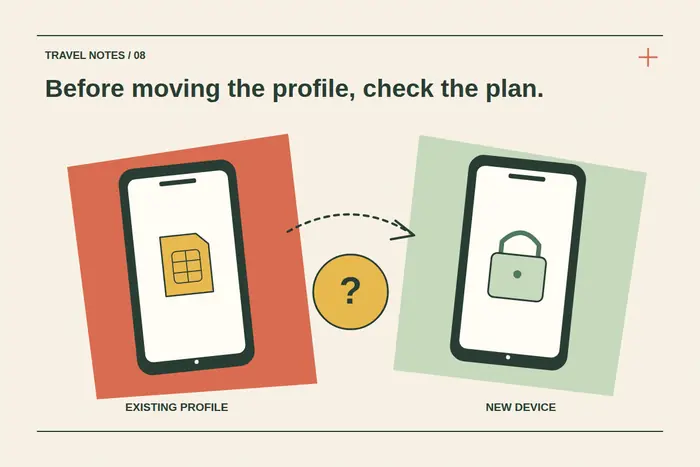
Do not delete the profile as a refund request
Deleting an eSIM from a phone does not by itself submit a cancellation, establish a refund or rewind activation and usage. It can also make troubleshooting harder or require help to restore access.
Apple's eSIM erasure guidance advises against erasing an eSIM as a troubleshooting step unless directed by the carrier. Follow the instructions for your device and purchased plan, and obtain support guidance before removing a profile you may still need.
Request a review through CryptoTraveler
Use CryptoTraveler support with the booking or order reference, package, destination, problem and relevant evidence. State whether you need technical help, are asking about an unused purchase or want a refund assessment.
The eSIM help page and current terms remain the reference alongside the package conditions and applicable consumer requirements. Ask for the eligible amount and the confirmed next step. Do not treat the existence of a support request as an approval.
Keep the product decision and payment handling separate
If an amount is approved, confirm the reference currency, method, receiving details and status. Paying with crypto does not automatically reverse the purchase transaction or require a return of the same coin quantity. Our crypto refund-value guide explains those distinctions.
Likewise, a top-up and a new plan are different purchases. Do not assume a top-up extends an old package's expiry or makes its previous cost refundable. Check the particular offer and ask before committing to an alternative.
Reduce the chance of buying the wrong plan next time
Check compatibility, every destination, the activation trigger, total allowance and validity before payment. Use the eSIM data calculator as an approximate planning tool, then compare the actual packages and hotspot rules.
Read the installation and activation guide before you travel. Advance preparation helps distinguish an installation question from a coverage or plan-selection issue when you arrive.
eSIM refund questions
Is every unused eSIM refundable?
No universal eligibility rule should be assumed. Check the package conditions and request a review of the actual purchase.
Can installation start the validity period?
It can depend on the package. Read its specific activation policy rather than assuming installation and activation always occur at different times.
Should I delete the eSIM to prove I did not use it?
No. Keep the profile and evidence unless support directs otherwise; deletion does not establish unused status or refund eligibility.