In this guide
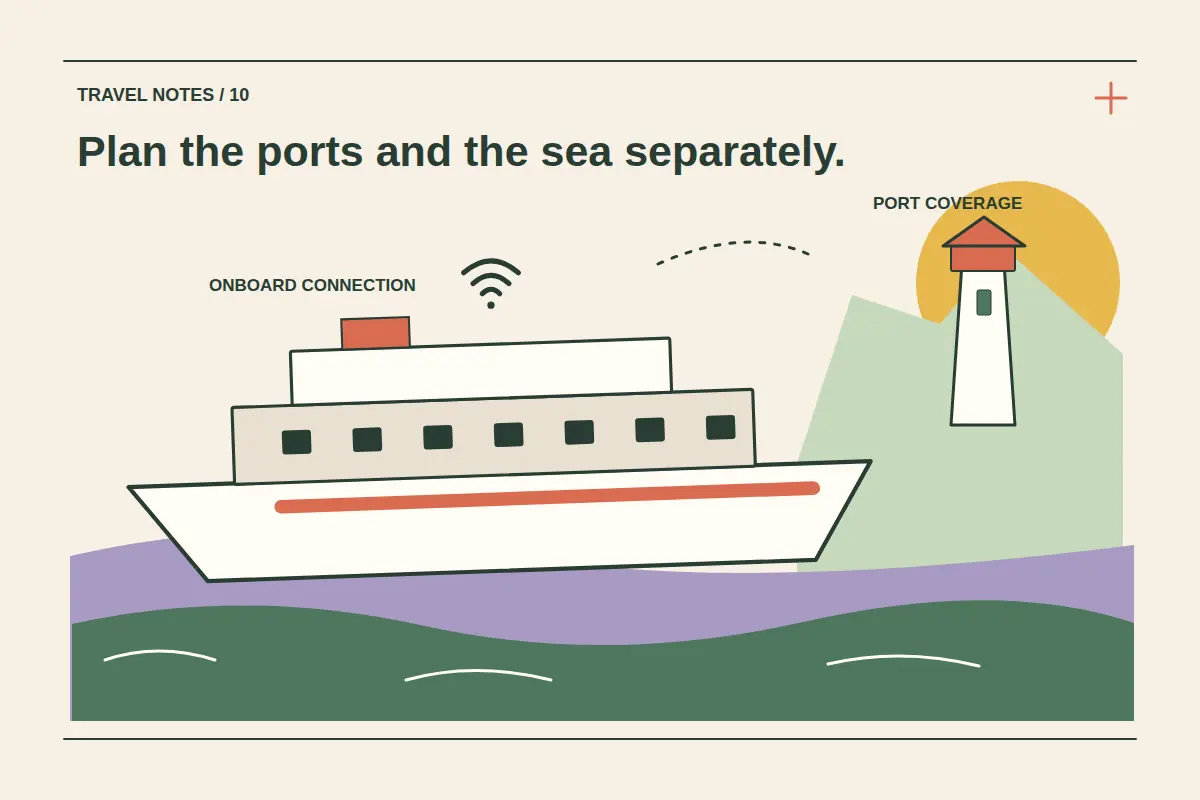
A travel eSIM can be useful in the countries a cruise visits, but ordinary country, regional or global coverage does not establish service on the ship's maritime network. Check the package's actual networks and conditions. Plan connectivity in port separately from connectivity while at sea.
The distinction matters even when the ship is close to land or visiting a country included in your package. A phone may encounter different networks, while your home line and travel line can have different charging arrangements. Start with the itinerary, your intended usage and the coverage explicitly confirmed for each service.
Separate three ways to connect
| Connection | Where it may help | What to verify |
|---|---|---|
| Country or regional mobile network | Time ashore and places with usable terrestrial coverage. | Included countries, partner networks, allowance and package conditions. |
| Shipboard cellular or maritime roaming | A vessel with the relevant onboard mobile service. | Explicit plan and ship eligibility, charges and which line is connecting. |
| Ship Wi-Fi | Onboard access under the cruise line's internet service. | Package, devices, availability, restrictions and login process. |
A global eSIM label does not merge these three services. Read what is included instead of assuming that a large country list also covers the sea between them.
Choose port coverage from the actual itinerary
List every country or territory where you expect to go ashore, including the embarkation and final arrival. Check the territory itself rather than inferring coverage from a neighboring country or a broad regional name.
Compare country eSIM packages with regional and global options for those stops. Read the activation trigger, expiry and data allowance for your usable days. A package that expires before the later ports may not meet the whole itinerary.
The regional and global comparison guide helps organize that choice. Check calls, SMS and hotspot permission separately if they matter to your shore plans.
Check maritime service directly with the mobile provider
Ask whether the selected package explicitly includes maritime networks and the relevant ship. If the answer is unclear, do not treat ordinary destination coverage as confirmation. Review rates and restrictions for your home line as well as the travel eSIM.
T-Mobile's cruise coverage page shows why ship and device checks are separate from an ordinary country roaming list. Its arrangements are examples for its customers, not an inclusion supplied by every travel eSIM.
Compare the ship's Wi-Fi with your onboard needs
Review the cruise line's official internet information for the sailing. Check how devices are counted, whether switching devices is permitted, and whether the service supports the tasks you need. A package description or advertised speed should not be turned into a guarantee for every location or moment onboard.
Royal Caribbean's phone-service FAQ distinguishes cellular-at-sea service from its onboard Wi-Fi. Confirm the corresponding arrangements with your own cruise line. App access, a Wi-Fi login and open internet access can be different services.
Set each mobile line deliberately
Before sailing, decide when you intend to use cellular data and when you intend to use Wi-Fi only. Review the selected data line, roaming and automatic data-switching settings on both the home SIM and travel eSIM. Turning off one line's data does not establish that every other chargeable service is disabled.
If using airplane mode with Wi-Fi re-enabled onboard, understand that cellular service is disabled while that mode remains active. Recheck the settings when you return ashore. For iPhone travel preparation, Apple's international eSIM guidance explains managing travel arrangements; use the corresponding device guidance for your phone.
Our dual-SIM guide helps separate home-number services from travel data. Follow the mobile provider's own instructions before enabling roaming on a network that could incur separate charges.
Prepare offline information for port days
Save the port meeting point, local transport arrangements, return-to-ship instructions and any important booking references before going ashore. Keep the cruise line's stated return time accessible and establish which time reference applies to the sailing's instructions.
Install the selected eSIM at the time appropriate for its activation policy while you have a suitable trusted connection. Use the installation guide and retain access to account information. If a package does not connect at sea, first check whether that network is included; deleting the profile will not add coverage.
Cruise eSIM questions
Does a global eSIM include the ship's mobile network?
Only if the actual package explicitly covers that service. A list of countries is not evidence of maritime inclusion.
Can I use the eSIM when the ship is docked?
Check the available network and the package's coverage. Being in port does not independently identify which network the phone has selected.
Does onboard Wi-Fi use my eSIM allowance?
A Wi-Fi connection and mobile data are separate services. Check that the phone is using the intended connection and review any automatic switching behavior.