
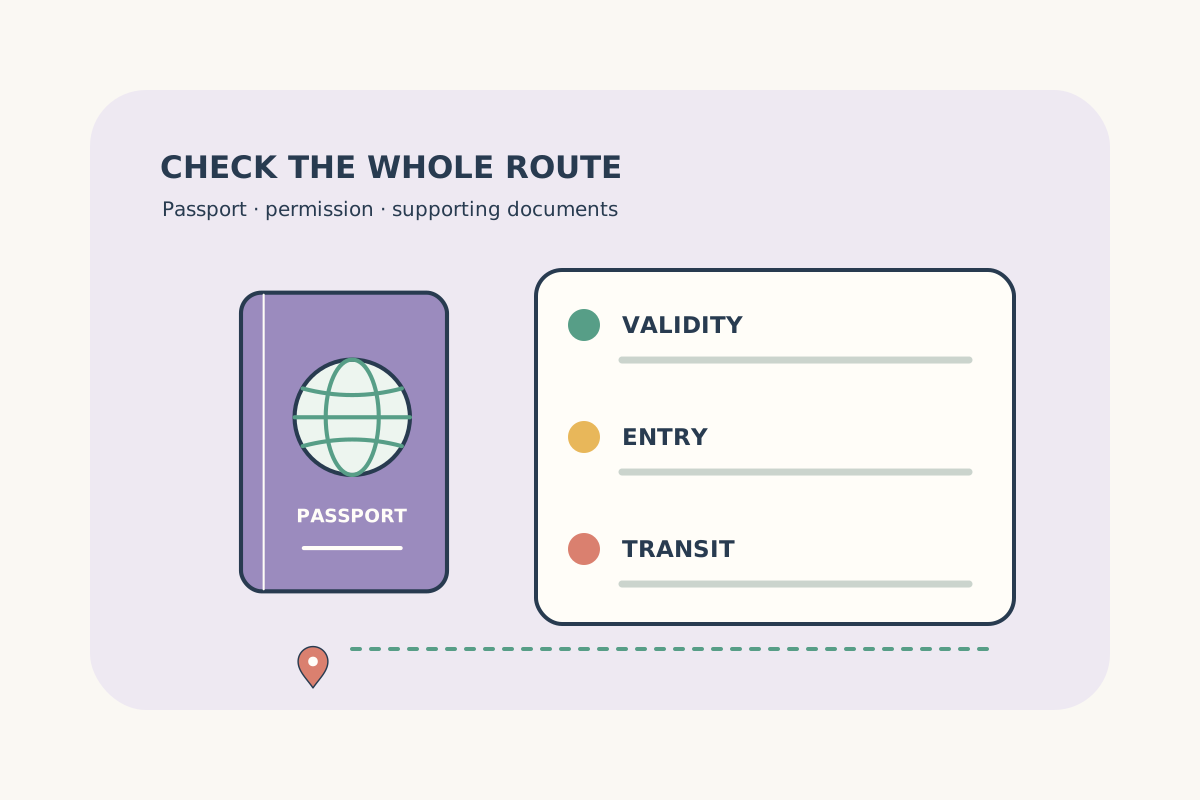
Passport validity & entry documents
Check the actual passport and the destination’s instructions before booking.
Read guideChoose a currency for your trip.
No currencies found. Try a name or currency code.
Enter the local dates and times on your itinerary. Compare actual flight duration, connection time and the complete journey across time zones.
Flight durations use UTC differences after converting each local date using its airport’s IANA time zone. Include the actual arrival date when crossing midnight or the date line. Time-zone rules follow the server’s installed time-zone database.
Your buffer is a planning choice, not an airline minimum connection time or a guarantee. Immigration, terminal changes, baggage collection and separate tickets may need longer. This tool assumes the connection uses the same airport.
A clock time skipped or repeated during daylight-saving changes is rejected. For a repeated time, switch every entry to UTC and use the precise UTC times supplied by your airline.
Data retrieved: 2026-10-22T08:18:18+00:00
Local airport times can differ by many hours. The calculator compares the corresponding UTC instants, including the calendar dates you enter.
No. It compares scheduled times with your chosen buffer. Ask the airline about its minimum connection time, and allow for immigration, bags and terminal changes.
Each airport uses its IANA time zone for the selected date. Skipped or repeated local times are rejected; use the UTC option with confirmed airline times in that case.
Check passport conditions, connections and the documents you need before departure.
Check the actual passport and the destination’s instructions before booking.
Read guide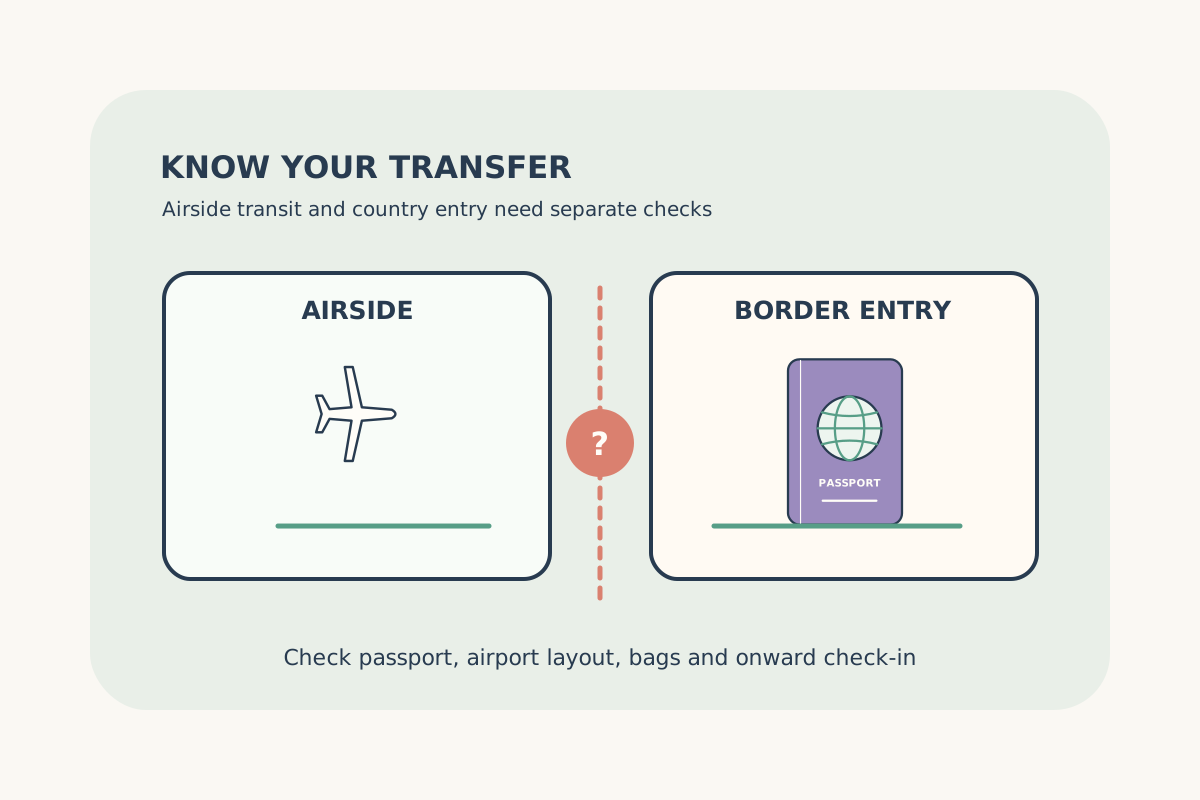
Establish whether a connection stays airside or requires entry.
Read guide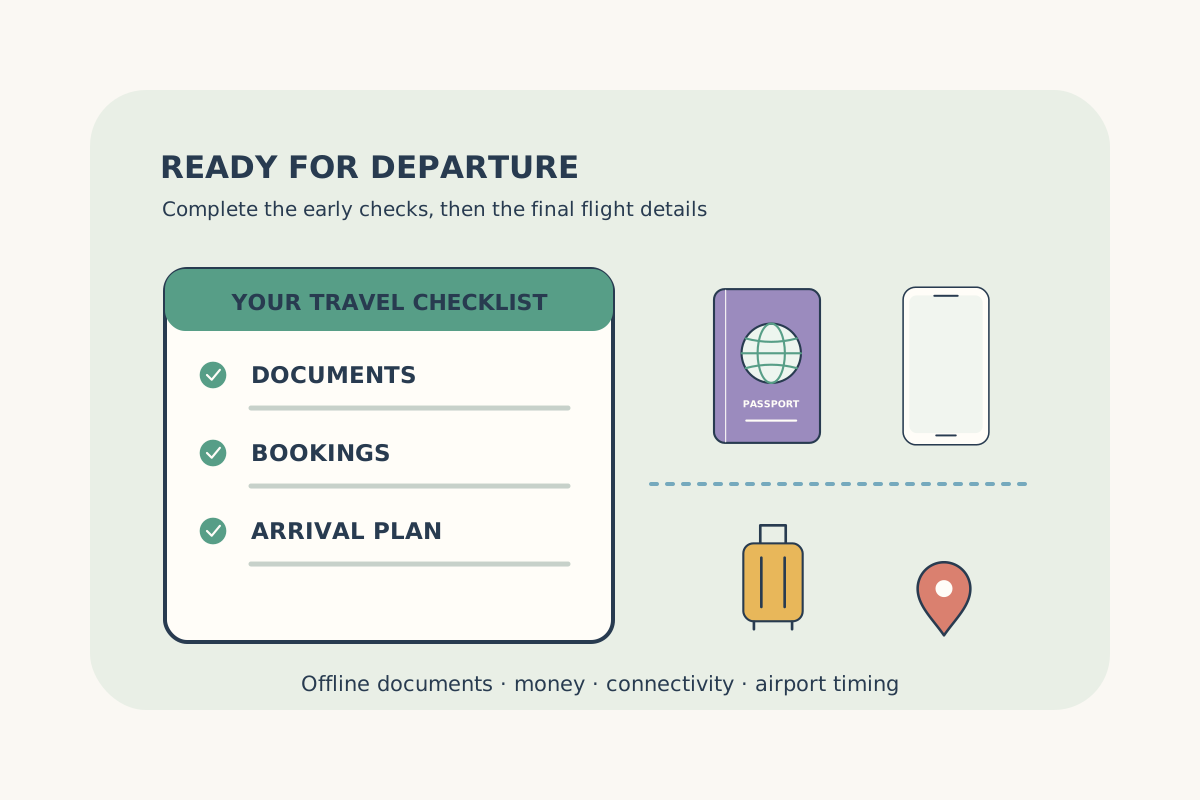
Organize confirmed bookings, money, connectivity and airport preparation.
Read guide